

Introduction
Most teams have been there. You start storing company documentation as Word files or PDFs because it’s quick, familiar, and temporary. A proof of concept, a contract, a report – throw it into a folder and move on. But over time, that “temporary” storage often becomes a critical production knowledge base.
At that point, problems emerge: documents are hard to search, relationships are implicit, extracting structured data is manual, and automation becomes painful.
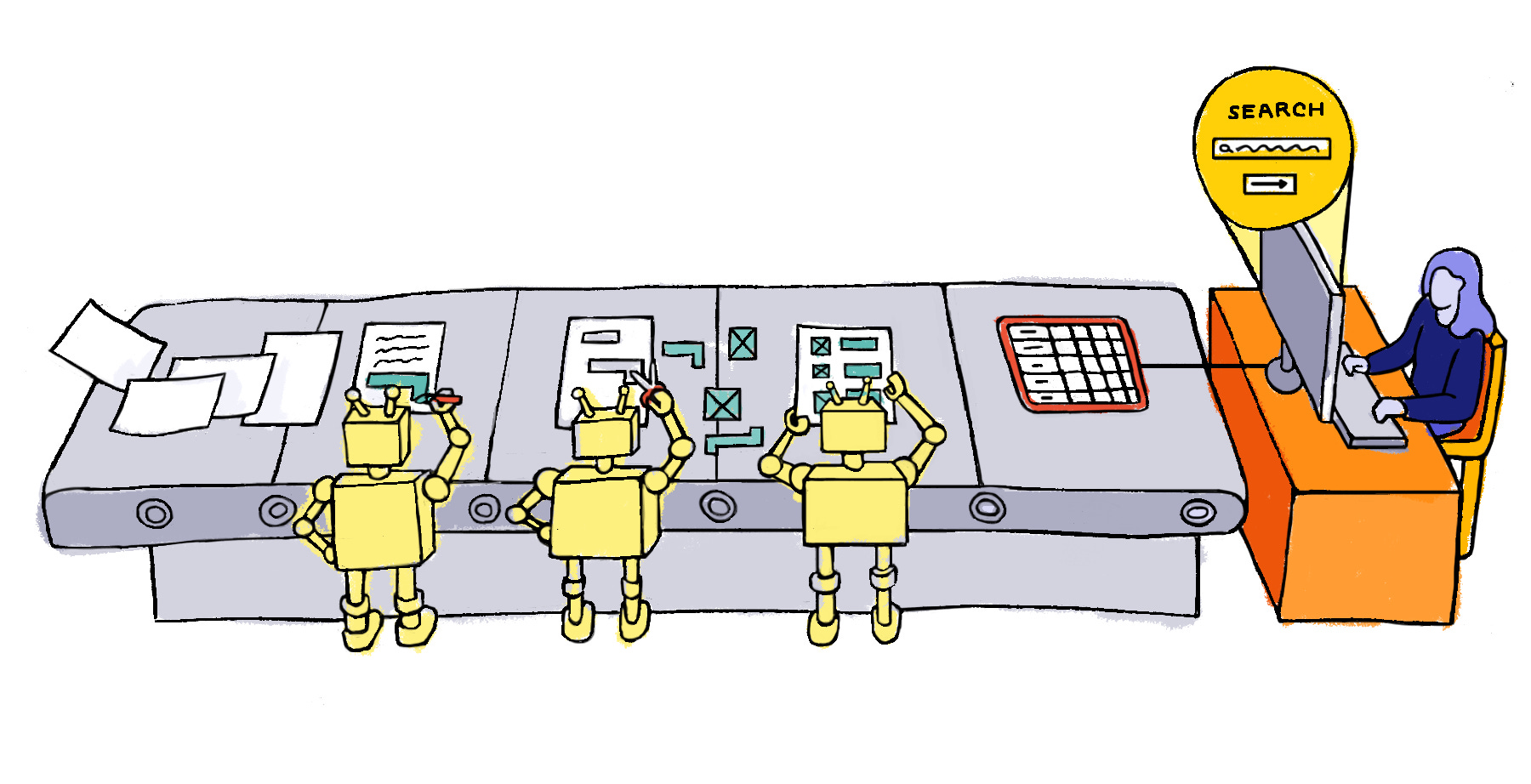
A common approach today is “just put everything into RAG.” While retrieval helps with search, it doesn’t solve the core issue: the information itself is still unstructured. If the content were normalized into a machine-friendly format (like JSON with well-defined schemas), working with it would be faster, more reliable, and would open new workflows – analytics, validation, integrations, and automation.
That gap is what inspired this experiment. I wanted a way to turn business documents into structured, queryable data using LLMs. The result is StructuDoc, an open-source proof of concept that combines document parsing, image understanding, schema discovery, and prompt tracking into a single pipeline. It can move PDFs and DOCX files into structured datasets, identify common schemas, and store everything in S3.
This post introduces StructuDoc, explains how it works, and shares the reasoning behind its design. It’s offered in a spirit of sharing rather than as a commercial product – we’d love your feedback, alternative approaches you’ve tried, or contributions to the project.
Quickstart with StructuDoc
StructuDoc makes it easy to turn PDFs and DOCX files into structured JSON, discover common schemas, and even analyze images using AI. Here’s how to get started in minutes:
1. Clone the repository
git clone https://github.com/ponderedw/StructuDoc.git
cd StructuDoc
2. Set up environment variables
Copy the example file:
cp .env.example .envEdit .env to configure your local storage (MinIO) or S3, and optionally your LLM provider keys:
ENV=local
SOURCE_BUCKET=minio/source-bucket
MINIO_HOST=http://localhost:9000
MINIO_SECURE=false
AWS_ACCESS_KEY_ID=admin
AWS_SECRET_ACCESS_KEY=password
LLM_MODEL=Bedrock:anthropic.claude-3-5-sonnet-20241022-v2:0
3. Start the application (this file can be executed independently of the repository)
docker compose up -f docker-compose-prod.ymlStreamlit UI:
http://localhost:8501FastAPI backend:
http://localhost:8080MinIO console (login: admin/password):
http://localhost:90014. Upload and process documents
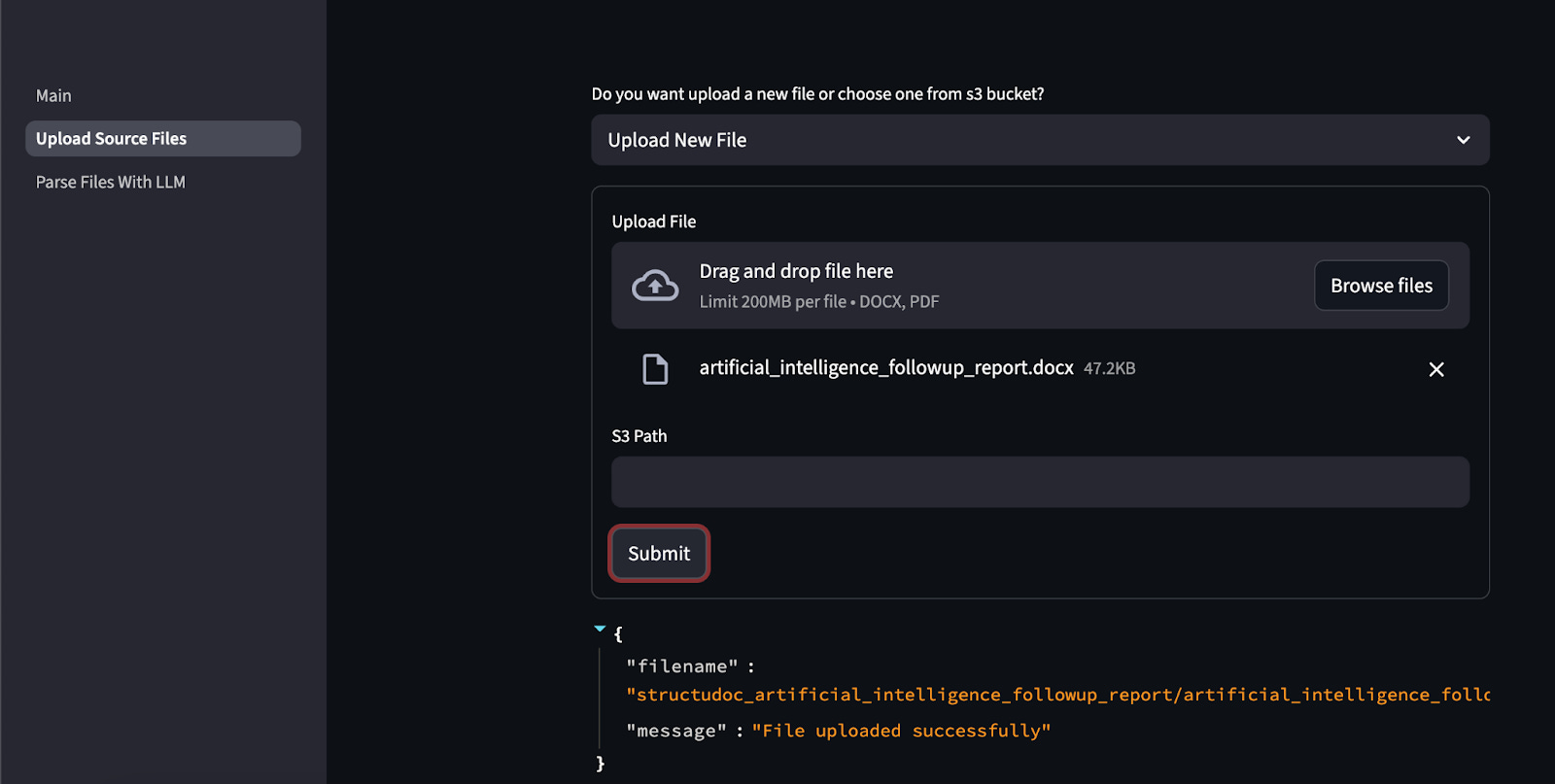
Go to Upload Source Files in the UI.
Upload DOCX or PDF files.
StructuDoc will automatically:
Convert PDFs to Markdown
Extract images
Store all files in structured folders
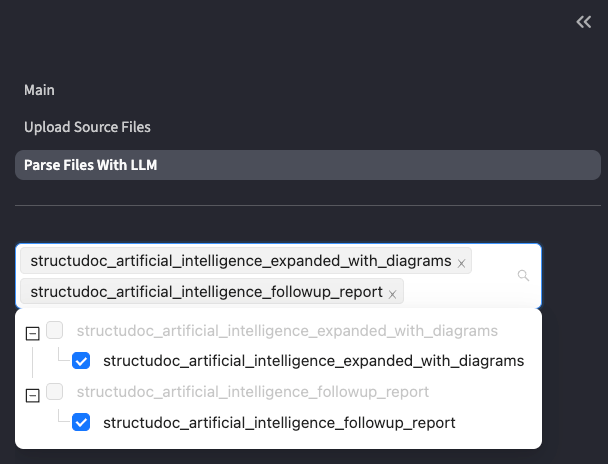
5. Parse and analyze with AI
Navigate to Parse Files With LLM:
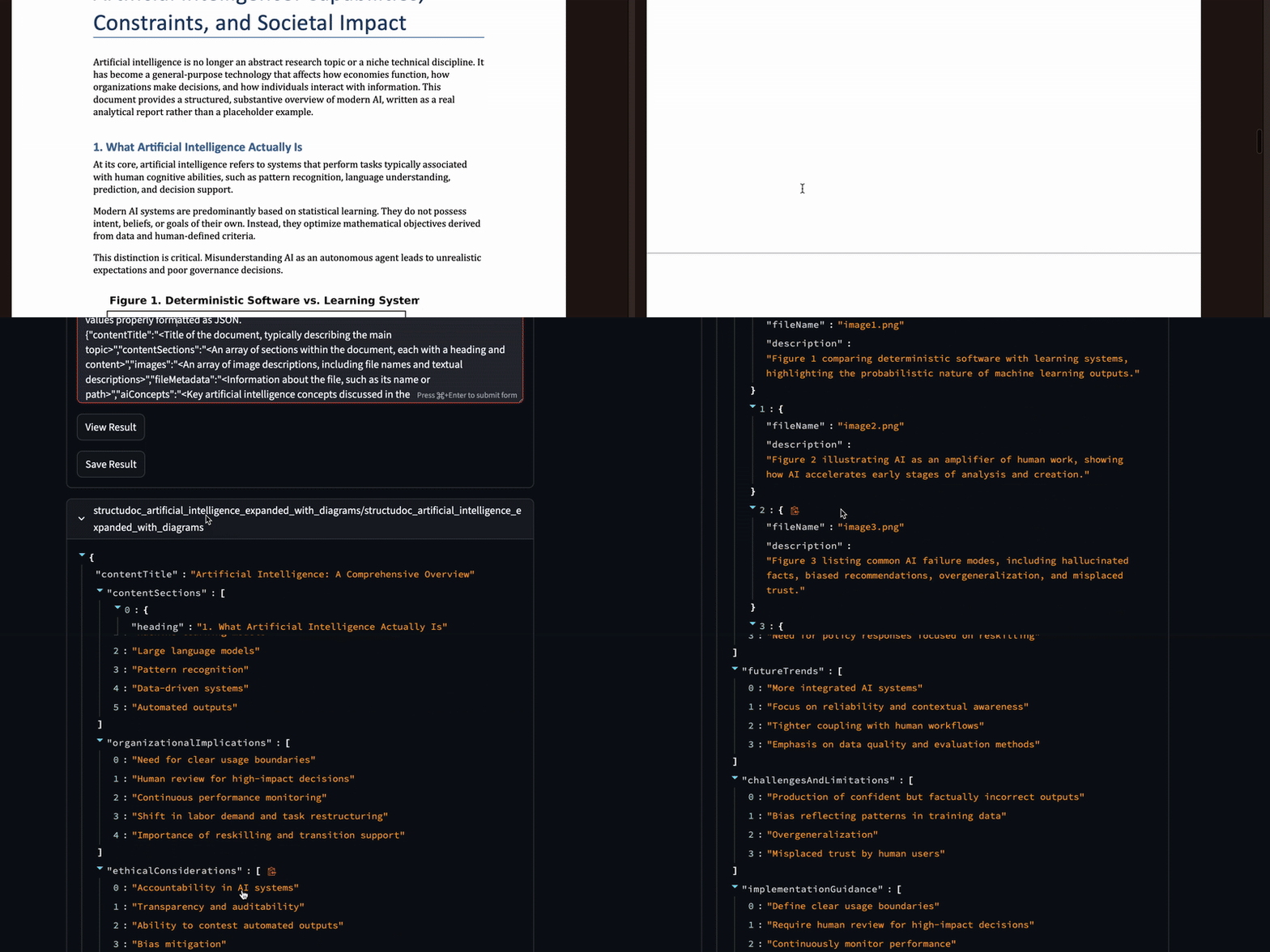
Analyze images with AI prompts
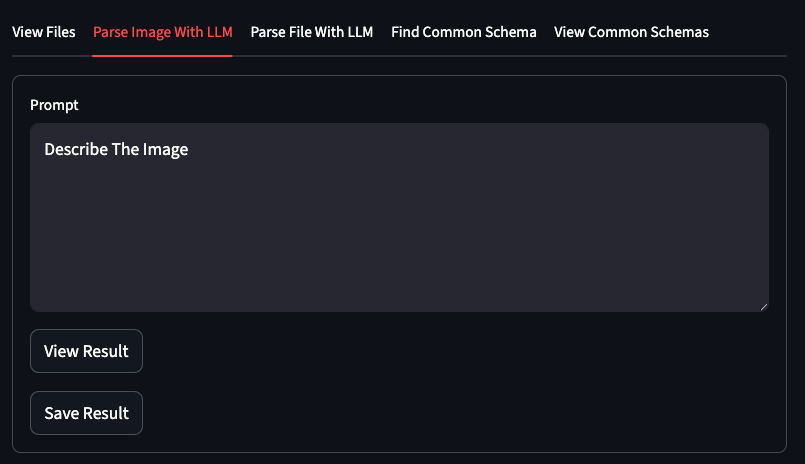
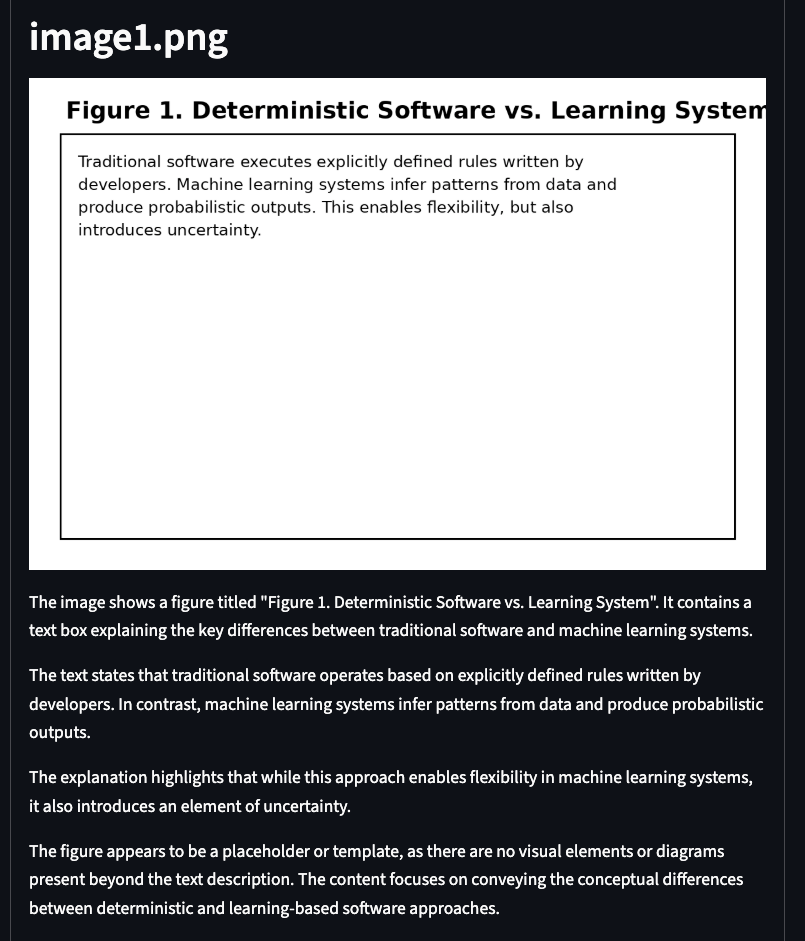
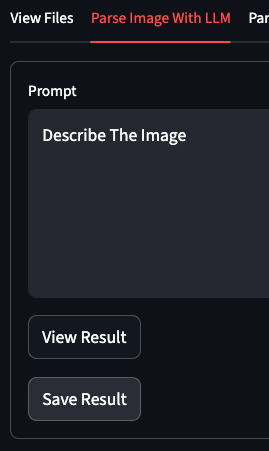
And remember to save those descriptions to your s3 bucket:
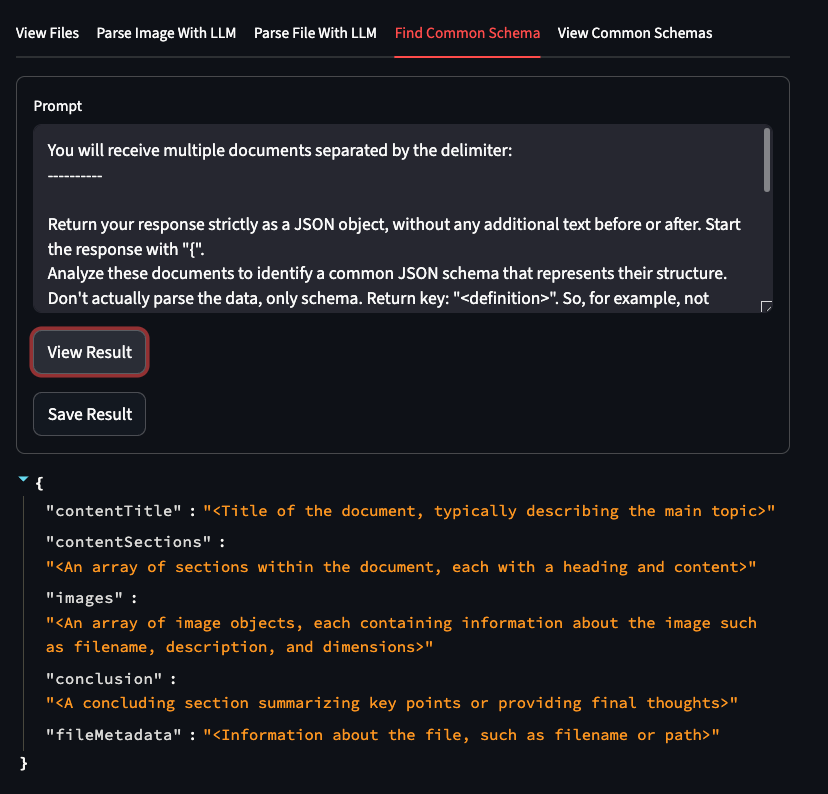
Discover common schemas across multiple documents
Parse your documents to JSON
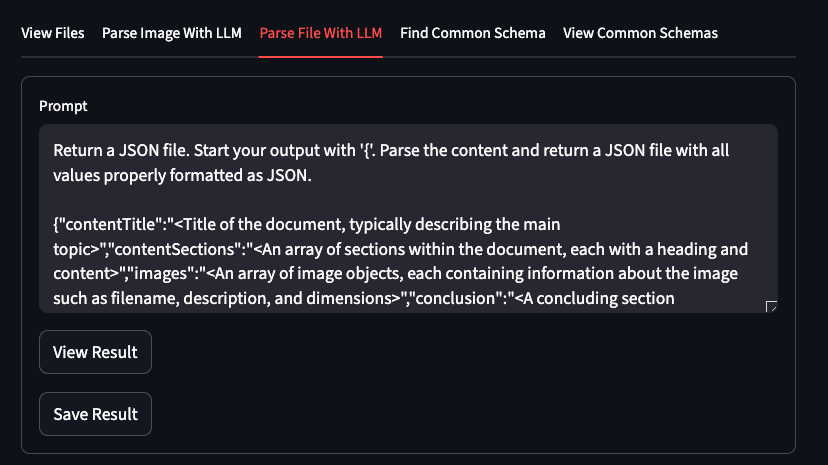
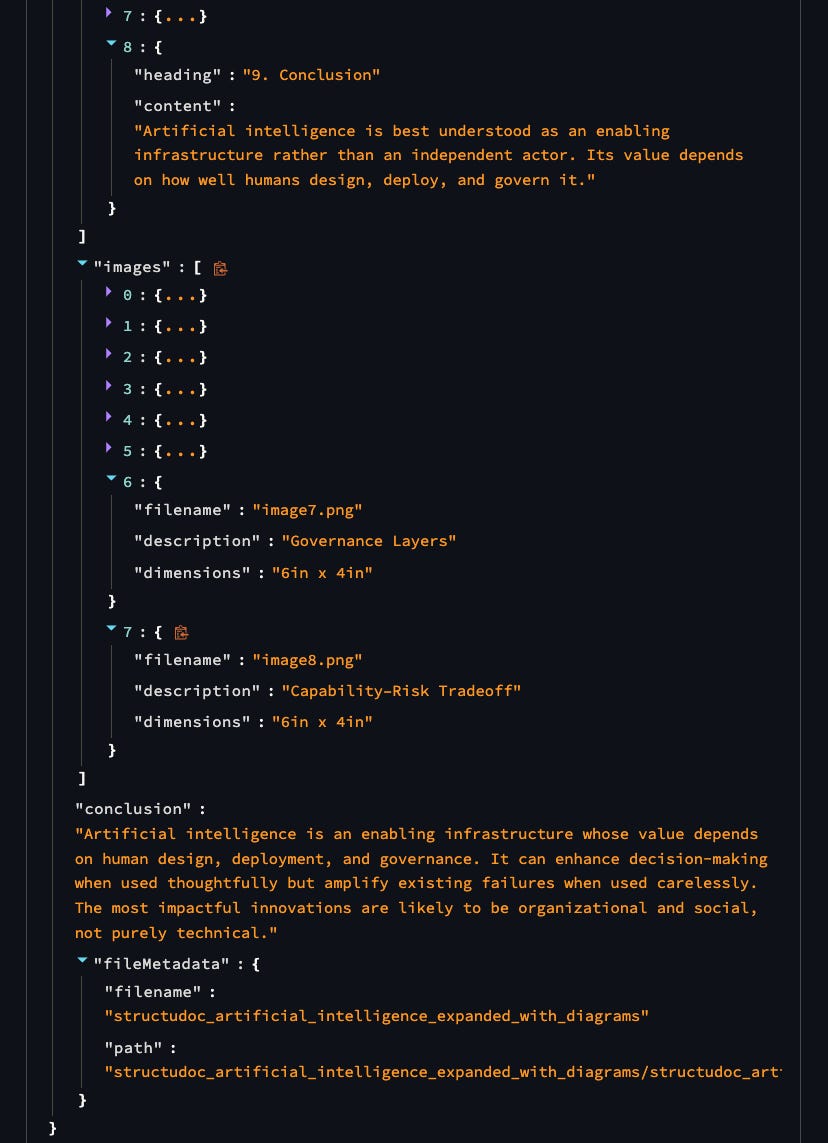
Now you have structured, queryable data from your documents – ready for testing, analysis, or building pipelines!
Conclusion
StructuDoc is an open-source experiment for turning PDFs and DOCX files into structured, queryable data. Instead of relying solely on RAG for search, it lets you extract JSON, discover common schemas, and analyze images with AI. This isn’t a fully polished product – it’s a proof of concept born from real challenges we’ve faced, shared in the hope it might help others or spark new ideas. We’d love to hear your feedback, learn about alternative approaches you’ve tried, or see contributions that improve StructuDoc.
GitHub: https://github.com/ponderedw/StructuDoc
Docker Hub: https://hub.docker.com/repository/docker/pondered/structudoc/general